 COME
COMECOME Store Download and Fake Support: Verify the Help Contact
For a store download and unverified support contact, return to the product help route before trusting a caller, chat account or payment request.
If a copied store badge leads to a chat account, that is a different destination from Google Play. Preserve the message if needed and avoid sending credentials while you clarify the route.
Start from a route you chose
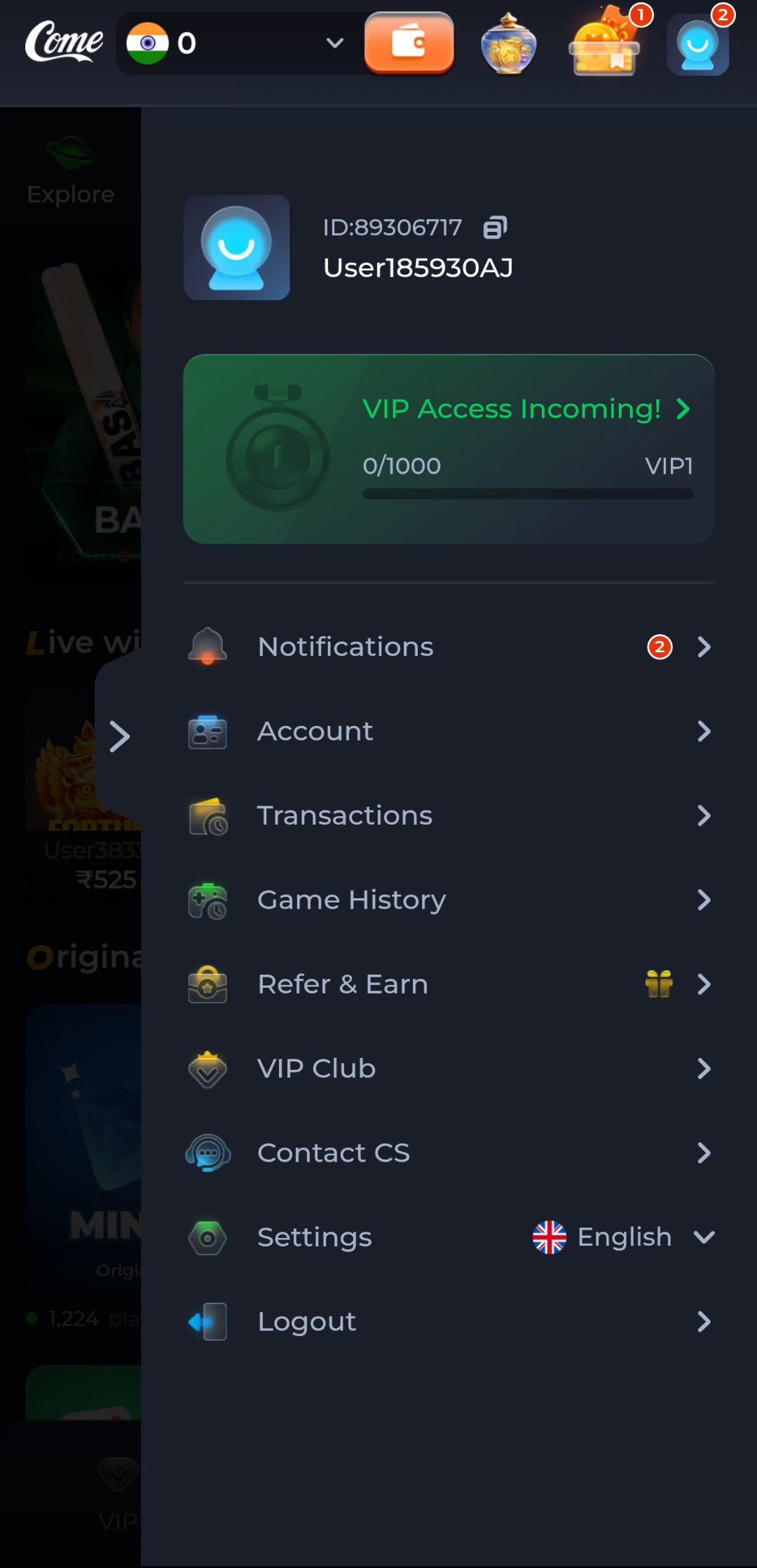
COME's illustrated profile menu provides Contact CS. Use the intended product interface to locate current help rather than adopting a number from a comment, advertisement or forwarded message. A logo, display name or claim of urgency is easy to copy.
This website publishes no customer-care phone number. Do not treat a number appearing elsewhere under a COME keyword as verified by this guide. Compare the contact route with the product before sending account information.
Keep authentication secrets private
An OTP authorises the action shown by the service, and a password protects your access. Do not read either to a caller or send it in a chat so someone can fix an account. Payment PINs and remote-control access are not ordinary details needed to describe a loading problem.
Be cautious if a contact asks you to install an unrelated tool, transfer money to release support or scan a payment request while calling it verification. Pause that interaction and independently open the product's help route to ask about the request.
Preserve evidence without continuing the interaction
Keep the sender, time, message and destination privately if you need to report suspicious contact. Avoid forwarding the message with live secrets or asking other people to test its link. Record what happened without making a new payment or account change as a demonstration.
If you entered credentials through the questionable route, return to the intended service independently and use its account-security or recovery process. For payment exposure, contact the relevant financial provider through a route you independently know. Do not rely on the suspicious contact to confirm that the issue is resolved.
Distinguish a complaint from recovery
A report about an impersonator and a request to recover an account are related but separate. Tell product support which action occurred and what access remains. Neither a report receipt nor a promise in chat guarantees that funds or access will be recovered.
Keep follow-up tied to the product's actual ticket or account process. The aim is to stop expanding the exposure and provide clear evidence, while retaining control of authentication and payment decisions.
Apply this to a store download and unverified support contact
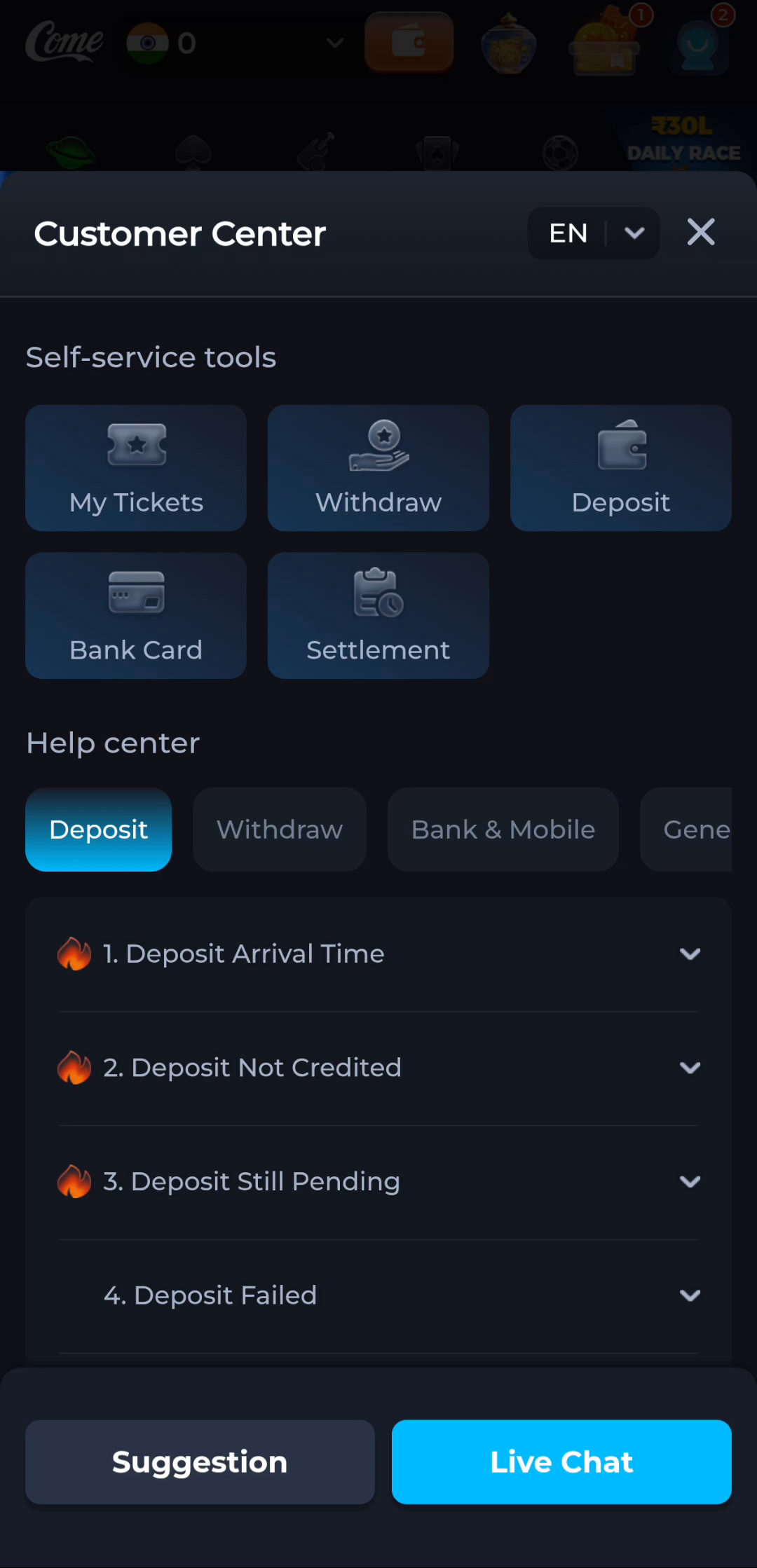
First verify the actual listing and product route. This page provides no confirmed COME Google Play listing. An unsolicited contact asking for codes or payment to unlock installation should be checked independently through the intended product help route.
Return independently to the intended product and verify the contact route there. Preserve the suspicious message privately if needed, while stopping further disclosure or payment requests.
A practical completion check
- Verify the help route independently.
- Keep codes, passwords and payment controls private.
- Preserve relevant evidence and use the appropriate product or financial help route.
Questions about this task
Is a branded WhatsApp profile enough?
No. Confirm the route independently through the intended product.
Should I send an OTP for support verification?
Do not send an OTP, password or payment PIN to a caller or chat contact.
A related next step
For a store download and unverified support contact, separate website authorship, product operation, account identity and external-link responsibility.
COME Store Download and Fake Support: Check Publisher Information